Introduction
Diagramming tools are software applications designed to help individuals and teams visually represent ideas, systems, processes, and relationships. These tools allow users to create flowcharts, organizational charts, network diagrams, UML diagrams, process maps, mind maps, and other visual structures that simplify complex information. By transforming abstract concepts into clear visuals, diagramming tools improve understanding, communication, and decision-making.
Diagramming tools are important because modern organizations deal with increasing complexity in workflows, systems, and data. Visual diagrams help bridge communication gaps between technical and non-technical stakeholders. In real-world use, diagramming tools are used for business process modeling, software architecture planning, IT infrastructure design, project planning, brainstorming, documentation, onboarding, and training.
When selecting a diagramming tool, users should evaluate the range of diagram types supported, ease of use, customization options, collaboration features, performance, export formats, and integrations with other tools. Security, scalability, and long-term maintainability are also essential factors, especially for teams and enterprises.
Best for:
Business analysts, software architects, developers, project managers, product managers, educators, consultants, startups, mid-market companies, and enterprises that rely on clear visual communication.
Not ideal for:
Users who only need basic text notes or static documents without any visual representation of processes or systems.
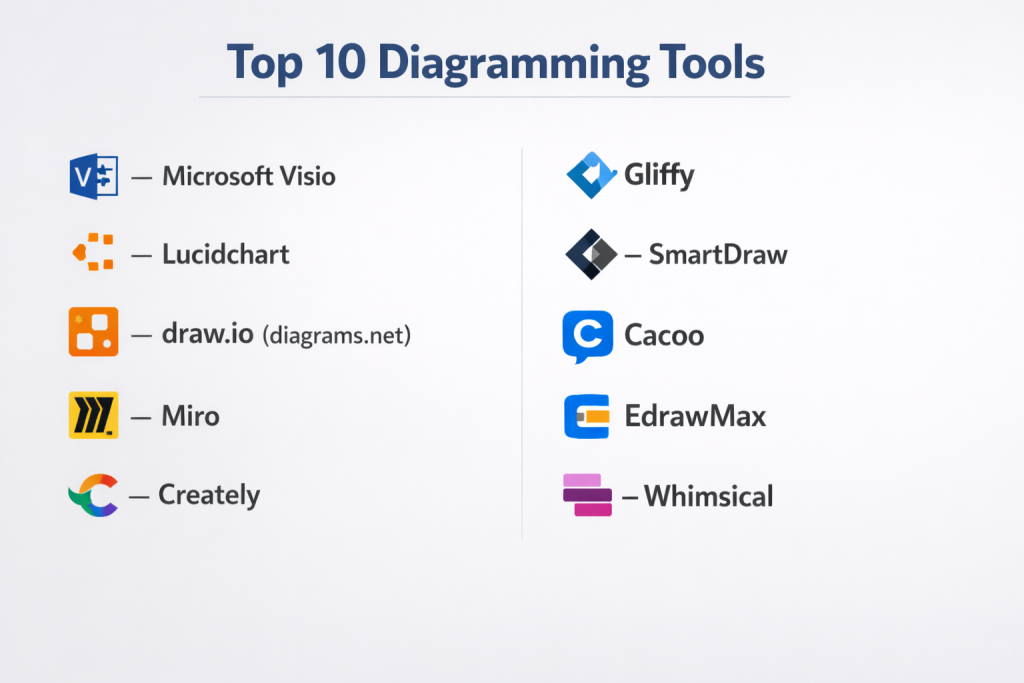
Top 10 Diagramming Tools
1 — Microsoft Visio
Short description:
Microsoft Visio is a professional diagramming tool widely used for creating technical, business, and enterprise-grade diagrams.
Key features:
- Flowcharts, UML, and network diagrams
- Extensive shape and stencil libraries
- Data-linked and dynamic diagrams
- Advanced layout and alignment tools
- Custom templates and themes
- Integration with productivity ecosystems
- Export to multiple formats
Pros:
- Industry standard for enterprise diagrams
- Powerful and highly customizable
Cons:
- Higher licensing cost
- Steeper learning curve for beginners
Security & compliance: SOC 2, ISO, GDPR aligned
Support & community: Extensive documentation, enterprise support, large user base
2 — Lucidchart
Short description:
Lucidchart is a cloud-based diagramming platform designed for collaboration and ease of use.
Key features:
- Real-time multi-user collaboration
- Flowcharts, UML, ER, and org charts
- Cloud-based access
- Data-driven diagrams
- Version history and commenting
- Template and shape libraries
Pros:
- Excellent collaboration capabilities
- Quick onboarding for new users
Cons:
- Limited offline access
- Advanced features require paid plans
Security & compliance: SOC 2, GDPR compliant
Support & community: Tutorials, help center, customer support
3 — draw.io (diagrams.net)
Short description:
draw.io is a free diagramming tool suitable for individuals and teams creating diagrams quickly and efficiently.
Key features:
- Wide range of diagram types
- Drag-and-drop interface
- Offline and online usage
- Custom shapes and connectors
- Import and export support
- Lightweight performance
Pros:
- Free and accessible
- Easy to use with minimal setup
Cons:
- Basic visual styling
- Limited automation features
Security & compliance: Varies
Support & community: Community forums and documentation
4 — Miro
Short description:
Miro is a collaborative visual workspace used for diagramming, brainstorming, and team planning.
Key features:
- Infinite canvas
- Flowcharts and system diagrams
- Real-time collaboration
- Sticky notes and widgets
- Templates for workflows
- Integration with team tools
Pros:
- Ideal for distributed teams
- Highly flexible visual workspace
Cons:
- Can become cluttered with large boards
- Performance may slow at scale
Security & compliance: SOC 2, GDPR compliant
Support & community: Tutorials, onboarding guides, community resources
5 — Creately
Short description:
Creately is a diagramming and visual collaboration tool designed for business and technical teams.
Key features:
- Flowcharts, UML, and ER diagrams
- Smart connectors and shapes
- Real-time collaboration
- Diagram linking and navigation
- Templates and frameworks
- Cloud and desktop support
Pros:
- Balanced features for business use
- Clean and intuitive interface
Cons:
- Limited advanced customization
- Performance varies with large diagrams
Security & compliance: GDPR compliant
Support & community: Documentation and customer support
6 — Gliffy
Short description:
Gliffy is a simple diagramming tool focused on flowcharts and basic process diagrams.
Key features:
- Drag-and-drop diagram creation
- Flowcharts and org charts
- Pre-built templates
- Version control
- Web-based platform
- Collaboration support
Pros:
- Easy to learn
- Suitable for quick diagrams
Cons:
- Limited advanced diagram types
- Basic design flexibility
Security & compliance: Varies
Support & community: Documentation and support tickets
7 — SmartDraw
Short description:
SmartDraw is a professional diagramming solution supporting technical and business diagrams.
Key features:
- Automated diagram layouts
- Flowcharts and engineering diagrams
- Large symbol libraries
- Productivity tool integrations
- Industry-specific templates
- Multiple export formats
Pros:
- Fast diagram creation
- Wide diagram coverage
Cons:
- Interface may feel complex
- Pricing may be high for individuals
Security & compliance: ISO, GDPR aligned
Support & community: Tutorials and support resources
8 — Cacoo
Short description:
Cacoo is an online diagramming tool designed for collaborative diagram creation.
Key features:
- Real-time collaboration
- Flowcharts and wireframes
- Comments and chat
- Revision history
- Template library
- Cloud-based access
Pros:
- Strong team communication
- Clean and simple UI
Cons:
- Limited advanced features
- Smaller ecosystem
Security & compliance: GDPR compliant
Support & community: Help guides and customer support
9 — EdrawMax
Short description:
EdrawMax is an all-in-one diagramming software supporting a broad range of diagram types.
Key features:
- Hundreds of diagram categories
- Rich symbol libraries
- Cross-platform support
- Templates and themes
- Offline usage
- Import and export flexibility
Pros:
- Extremely versatile
- Suitable for many industries
Cons:
- Interface can feel crowded
- Learning curve for new users
Security & compliance: Varies
Support & community: Documentation and customer support
10 — Whimsical
Short description:
Whimsical is a lightweight diagramming tool focused on speed, clarity, and simplicity.
Key features:
- Flowcharts and mind maps
- Minimalist interface
- Real-time collaboration
- Fast performance
- Clean visual output
- Cloud-based platform
Pros:
- Very easy to use
- Distraction-free design
Cons:
- Limited advanced modeling
- Not ideal for complex systems
Security & compliance: GDPR compliant
Support & community: Help center and guides
Comparison Table
| Tool Name | Best For | Platform(s) Supported | Standout Feature | Rating |
|---|---|---|---|---|
| Microsoft Visio | Enterprise diagrams | Windows, Web | Professional stencils | N/A |
| Lucidchart | Team collaboration | Web | Real-time editing | N/A |
| draw.io | Free users | Web, Desktop | Free offline use | N/A |
| Miro | Brainstorming teams | Web | Infinite canvas | N/A |
| Creately | Business teams | Web, Desktop | Diagram linking | N/A |
| Gliffy | Simple diagrams | Web | Ease of use | N/A |
| SmartDraw | Professional diagrams | Web, Desktop | Automated layouts | N/A |
| Cacoo | Team collaboration | Web | Comments & chat | N/A |
| EdrawMax | Multi-diagram needs | Windows, Mac | Diagram variety | N/A |
| Whimsical | Fast diagramming | Web | Speed and simplicity | N/A |
Evaluation & Scoring of Diagramming Tools
| Tool Name | Core Features (25%) | Ease of Use (15%) | Integrations (15%) | Security (10%) | Performance (10%) | Support (10%) | Price / Value (15%) | Total |
|---|---|---|---|---|---|---|---|---|
| Microsoft Visio | 25 | 12 | 14 | 9 | 9 | 11 | 8 | 88 |
| Lucidchart | 23 | 14 | 14 | 9 | 8 | 10 | 10 | 88 |
| draw.io | 20 | 15 | 10 | 7 | 9 | 9 | 15 | 85 |
| Miro | 22 | 14 | 13 | 9 | 8 | 10 | 9 | 85 |
| Creately | 21 | 13 | 12 | 8 | 8 | 9 | 10 | 81 |
| Gliffy | 18 | 14 | 10 | 7 | 8 | 8 | 11 | 76 |
| SmartDraw | 23 | 12 | 13 | 8 | 9 | 9 | 9 | 83 |
| Cacoo | 20 | 14 | 11 | 8 | 8 | 9 | 10 | 80 |
| EdrawMax | 24 | 12 | 12 | 8 | 9 | 9 | 10 | 84 |
| Whimsical | 17 | 15 | 9 | 8 | 9 | 8 | 11 | 77 |
Which Diagramming Tools Tool Is Right for You?
Solo users and students may prefer simple, low-cost tools with minimal setup. Small and mid-sized businesses benefit from collaboration-focused tools that integrate with team workflows. Enterprises should prioritize scalability, governance, security, and advanced diagram types.
Budget-conscious users can choose free or open-source solutions, while premium users gain value from automation and enterprise support. Users needing deep technical modeling should select feature-rich tools, while speed-focused users should choose lightweight platforms.
Frequently Asked Questions (FAQs)
What are diagramming tools used for?
They help visualize processes, systems, and relationships clearly.
Are diagramming tools only for IT teams?
No, they are widely used across business and education.
Do I need design skills?
Most tools are beginner-friendly with templates.
Can teams collaborate on diagrams?
Yes, many tools support real-time collaboration.
Are free diagramming tools reliable?
They are suitable for many basic and mid-level needs.
Can diagrams be exported?
Most tools support common export formats.
Are these tools secure?
Enterprise tools provide strong security controls.
Which tool is best for process mapping?
Flowchart-focused tools work best.
Can diagramming tools scale for enterprises?
Yes, many are built for large organizations.
Is there one best diagramming tool?
No, the best choice depends on your needs.
Conclusion
Diagramming tools are essential for turning complex ideas into clear, structured visuals that improve communication and decision-making. The right tool enhances collaboration, documentation quality, and overall productivity. When choosing a diagramming tool, prioritize usability, diagram coverage, collaboration, security, and long-term value.There is no single best diagramming tool for everyone. The ideal solution depends on your role, team size, technical complexity, and budget.

- Top 10 Email Deliverability Tools: Features, Pros, Cons & Comparison - September 6, 2026
- Top 10 Pharmacovigilance Software: Features, Pros, Cons & Comparison - September 6, 2026
- Top 10 Manufacturing Execution Systems (MES) - July 30, 2026