Introduction
In the fast-paced digital era of 2026, organizations are leveraging Digital Adoption Platforms (DAPs) to streamline software onboarding, boost employee productivity, and improve customer engagement. A Digital Adoption Platform helps users master complex software applications through guided tutorials, interactive walkthroughs, and in-app support—ensuring seamless digital transformation.
With remote and hybrid work models becoming the norm, DAPs have become essential for training, reducing software churn, and enhancing ROI from enterprise applications like Salesforce, Workday, and SAP. When choosing a DAP, decision-makers should consider usability, integration capabilities, analytics, multilingual support, and scalability. This guide highlights the Top 10 Digital Adoption Platforms Tools in 2026, analyzing their features, pros, cons, and ideal use cases to help you find the best fit for your business.
Top 10 Digital Adoption Platforms Tools in 2026
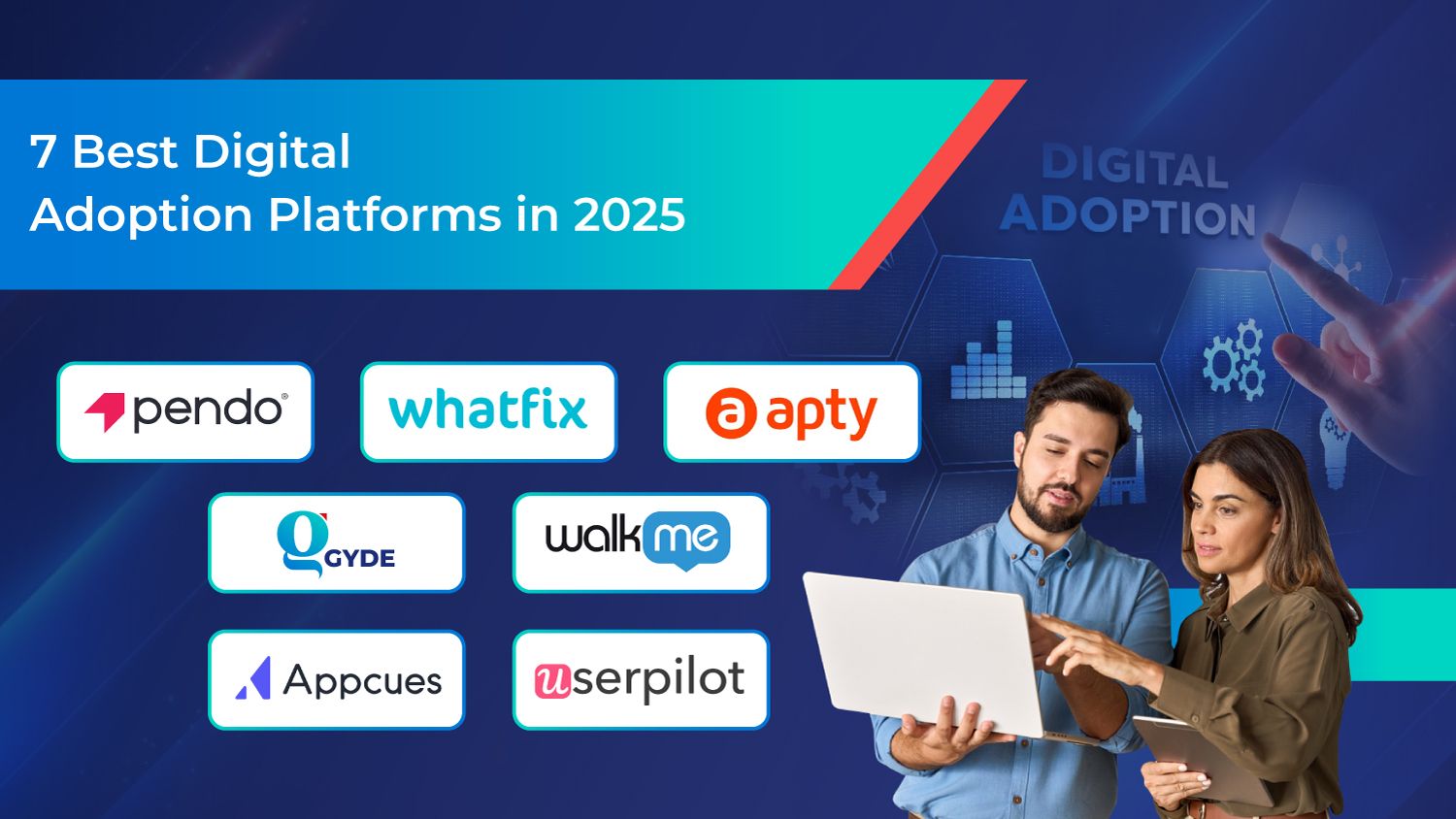
1. WalkMe
Short Description: A pioneer in digital adoption, WalkMe offers enterprise-level in-app guidance and automation for improving user experience across web and mobile applications.
Key Features:
- No-code workflow automation
- AI-driven insights and analytics
- In-app onboarding and walkthroughs
- Customizable tooltips and pop-ups
- Integrations with Salesforce, SAP, and Oracle
- Multi-language support
Pros:
- Robust analytics and automation
- Scalable for large enterprises
- Highly customizable
Cons:
- Expensive for small teams
- Complex setup for non-technical users
2. Whatfix
Short Description: A versatile DAP that enables organizations to create contextual in-app experiences to simplify onboarding and enhance software adoption.
Key Features:
- Interactive walkthroughs and task lists
- SCORM-compliant training materials
- Behavioral analytics dashboard
- Browser extension support
- Multi-platform integrations (Salesforce, Dynamics, ServiceNow)
- AI-based personalization
Pros:
- Easy to implement
- Excellent customer support
- Strong analytics capabilities
Cons:
- Requires periodic maintenance for UI changes
- Advanced features can be pricey
3. Pendo
Short Description: A product experience and analytics platform that helps companies understand user behavior and drive adoption with targeted in-app messaging.
Key Features:
- Product usage analytics
- In-app surveys and feedback
- Onboarding guides and tooltips
- Segmentation and personalization
- No-code setup for teams
- Mobile and web support
Pros:
- Excellent analytics and user feedback tools
- Great UI/UX
- Works for both SaaS and enterprise apps
Cons:
- Pricing not transparent
- Lacks advanced automation features
4. Userlane
Short Description: Focused on simplifying digital learning, Userlane enables organizations to guide users through complex processes within any application.
Key Features:
- Step-by-step in-app walkthroughs
- Real-time performance tracking
- Employee onboarding automation
- Interactive help widgets
- GDPR-compliant data processing
- Multi-language content support
Pros:
- Simple and intuitive interface
- Easy setup and deployment
- GDPR-friendly
Cons:
- Limited analytics depth
- Fewer customization options
5. Appcues
Short Description: Designed for SaaS businesses, Appcues helps product teams create in-app onboarding, feature announcements, and surveys without coding.
Key Features:
- Drag-and-drop onboarding builder
- Personalized user flows
- A/B testing for experiences
- Segmentation and targeting
- Integrates with Mixpanel and Amplitude
- Real-time analytics dashboard
Pros:
- User-friendly interface
- Great for startups and SaaS teams
- Excellent personalization tools
Cons:
- Limited enterprise scalability
- No mobile support in basic plans
6. Userpilot
Short Description: A no-code platform for creating personalized in-app onboarding experiences and tracking feature adoption.
Key Features:
- Real-time analytics and heatmaps
- Segmentation and targeting
- In-app messages, modals, and checklists
- Advanced onboarding flows
- Integrations with HubSpot and Segment
- Product usage insights
Pros:
- No-code setup
- Fast deployment
- Great for product-led growth (PLG) teams
Cons:
- Lacks in-depth automation
- Can be costly for small startups
7. Apty
Short Description: Enterprise-grade DAP that simplifies complex workflows through interactive guides and performance support.
Key Features:
- Customizable walkthroughs
- Task automation and validation
- In-app announcements
- Multi-language support
- Advanced analytics and user tracking
- Integrations with Salesforce, Oracle, and Workday
Pros:
- Strong workflow validation tools
- Ideal for large enterprises
- Secure and scalable
Cons:
- Steeper learning curve
- Limited UI customization
8. Usetiful
Short Description: A simple, cost-effective DAP designed for SMBs to create onboarding tours, product tours, and tooltips without technical skills.
Key Features:
- Interactive walkthroughs
- Product tour builder
- Feedback collection
- Multi-language support
- Integration with Segment and Google Analytics
- Lightweight browser extension
Pros:
- Affordable pricing
- Easy to use
- Perfect for small teams
Cons:
- Limited analytics features
- Lacks deep enterprise integrations
9. Spekit
Short Description: An employee enablement platform that provides real-time, bite-sized knowledge within apps like Salesforce and Slack.
Key Features:
- Contextual knowledge cards
- Real-time updates and alerts
- Integrations with Salesforce, Slack, and Chrome
- Analytics on content engagement
- Centralized knowledge base
- Quick setup and deployment
Pros:
- Great for employee training
- Integrates deeply with Salesforce
- Easy to maintain
Cons:
- Limited automation features
- Best suited for internal training, not customer onboarding
10. Gainsight PX
Short Description: A digital adoption and product experience tool built to drive engagement and customer success across SaaS platforms.
Key Features:
- Product analytics and insights
- Personalized onboarding guides
- Engagement scoring
- Cohort analysis and segmentation
- In-app surveys and NPS tracking
- Integrates with CRM and CS tools
Pros:
- Deep analytics capabilities
- Excellent for customer retention
- Enterprise-level integrations
Cons:
- Complex setup
- Higher pricing tier
Comparison Table
| Tool Name | Best For | Platforms Supported | Standout Feature | Pricing | Avg. Rating |
|---|---|---|---|---|---|
| WalkMe | Enterprises, VFX | Web, Mobile | AI-driven automation | Custom pricing | 4.7/5 |
| Whatfix | Enterprises, SaaS | Web, Mobile | Interactive walkthroughs | Custom pricing | 4.6/5 |
| Pendo | Product teams | Web, Mobile | In-app feedback | Custom pricing | 4.6/5 |
| Userlane | Mid-size businesses | Web | Step-by-step tutorials | Custom pricing | 4.4/5 |
| Appcues | SaaS startups | Web | A/B testing tools | Starts at $249/month | 4.5/5 |
| Userpilot | PLG companies | Web | Real-time analytics | Starts at $249/month | 4.6/5 |
| Apty | Large enterprises | Web, Mobile | Workflow validation | Custom pricing | 4.5/5 |
| Usetiful | SMBs | Web | Affordable onboarding | Starts at $29/month | 4.3/5 |
| Spekit | Employee training | Web, Chrome | Contextual knowledge | Starts at $20/user/month | 4.4/5 |
| Gainsight PX | SaaS enterprises | Web, Mobile | Deep analytics | Custom pricing | 4.6/5 |
Which Digital Adoption Platform is Right for You?
- Large Enterprises → WalkMe, Apty, or Gainsight PX for scalability and advanced analytics.
- Mid-sized Businesses → Whatfix or Userlane for robust functionality without high complexity.
- Startups & SaaS Teams → Appcues or Userpilot for no-code onboarding and PLG workflows.
- SMBs & Small Teams → Usetiful for affordable, easy onboarding tools.
- Internal Training & Enablement → Spekit for contextual in-app learning and documentation.
Conclusion
In 2026, Digital Adoption Platforms (DAPs) have evolved from simple onboarding tools to intelligent systems that drive organizational productivity, customer satisfaction, and digital ROI. Whether you’re a startup or an enterprise, selecting the right DAP can drastically improve how employees and customers interact with your digital ecosystem.
Tools like WalkMe, Whatfix, and Pendo dominate enterprise adoption, while lightweight options like Usetiful cater to smaller teams. As AI and automation continue to redefine user experiences, DAPs will remain at the forefront of digital transformation. Start with free trials or demos to identify the best match for your workflow and scale confidently into the future.
FAQs
Q1. What is a Digital Adoption Platform (DAP)?
A DAP is a software layer that helps users learn and adopt digital tools through in-app guidance, walkthroughs, and automation.
Q2. Which is the best DAP for enterprises in 2026?
WalkMe and Whatfix are the top enterprise-grade DAPs offering scalability and AI-driven insights.
Q3. Are there free Digital Adoption Platforms?
Yes, Usetiful and Appcues offer affordable or free-tier plans for small businesses.
Q4. Can DAPs integrate with CRM or HR systems?
Most DAPs integrate with Salesforce, Workday, SAP, and other enterprise applications.
Q5. Why are DAPs critical in 2026?
With remote work, digital onboarding, and software complexity increasing, DAPs help employees and customers quickly adapt to new digital environments.

- Top 10 AI Model Serving Frameworks Tools in 2026: Features, Pros, Cons & Comparison - August 30, 2026
- Top 10 Construction Management Software Tools in 2026: Features, Pros, Cons & Comparison - August 11, 2026
- Top 10 AI Academic Writing Tools in 2026: Features, Pros, Cons & Comparison - August 11, 2026