In this tutorial I’m going to create multiple virtual host in laravel in some easy steps please follow mentioned below.
first stop your xampp 👇
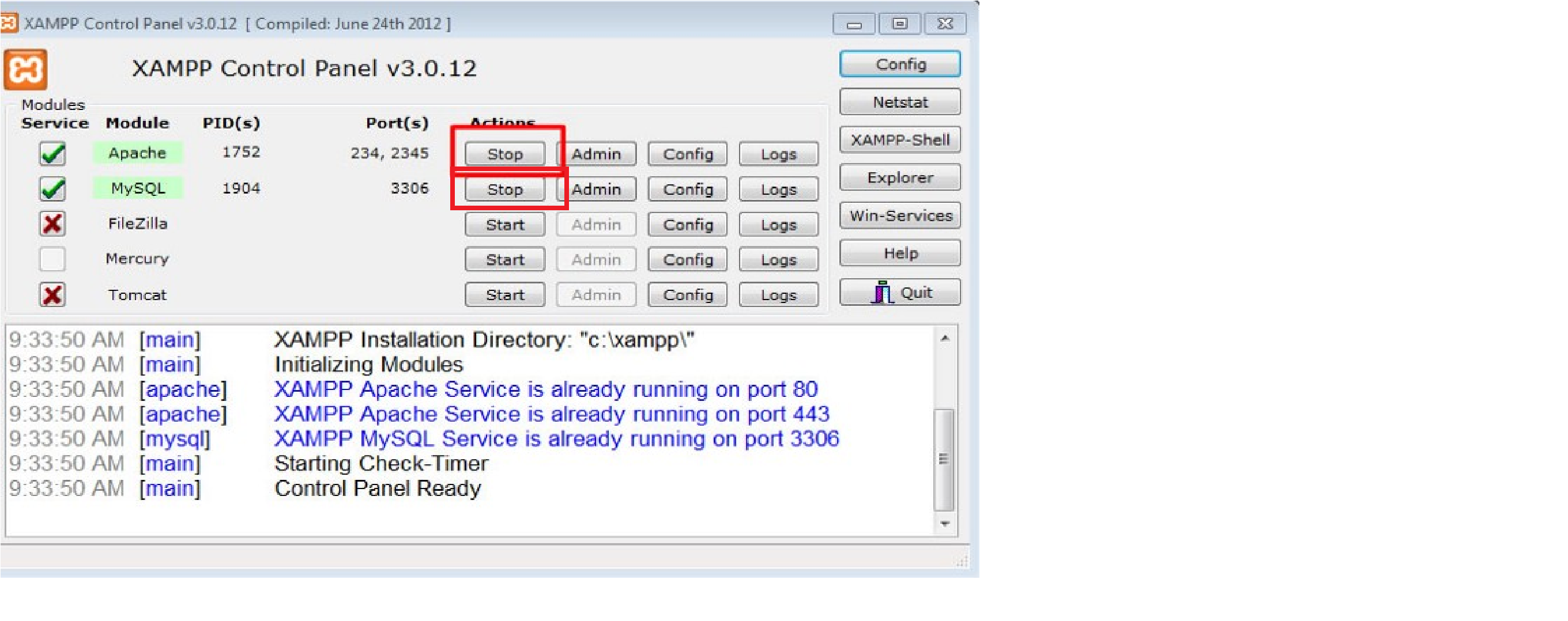
1step-> Go to
C:\xampp\htdocs
ds-admin-ms is your project folder name
ds-admin-ms

2nd step go to
C:\xampp\apache\conf\extra

3rd step Open this file -> httpd-vhosts.conf
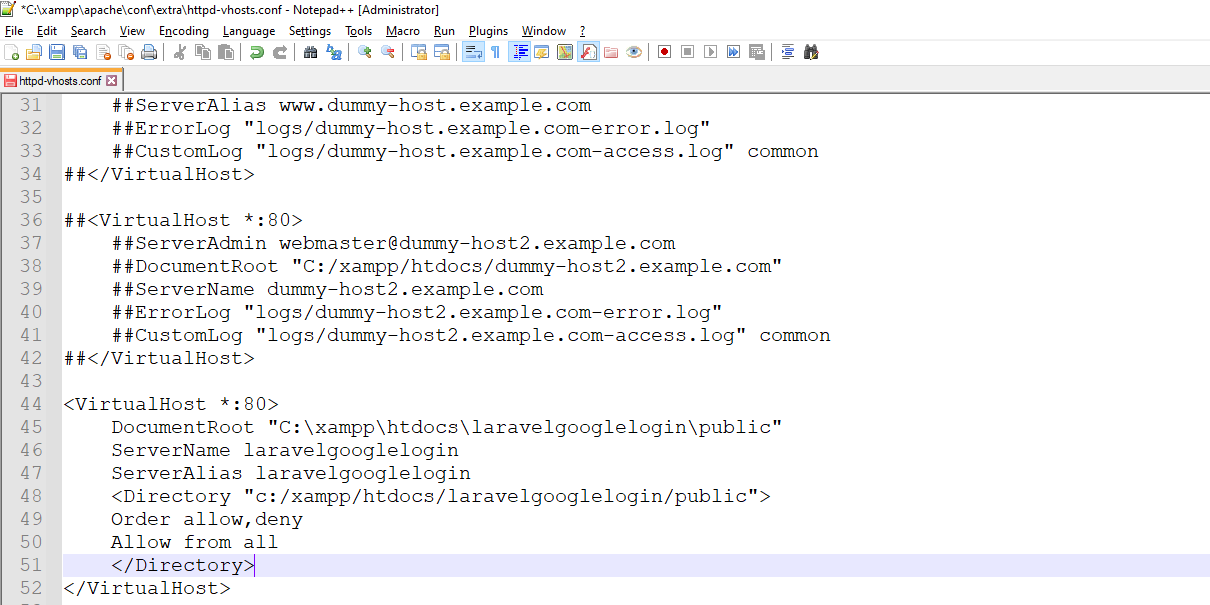
4th step Copy below code 👇👇
<VirtualHost *:80>
	DocumentRoot "C:\xampp\htdocs\ds-admin-ms\public"
	ServerName ds-admin-ms
	ServerAlias ds-admin-ms
	<Directory "c:/xampp/htdocs/ds-admin-ms/public">
	Order allow,deny
	Allow from all
	</Directory>
</VirtualHost>


Next step go to
C:\Windows\System32\drivers\etc
Open this file -> hosts

Simply copy below code 👇
127.0.0.1 		ds-admin-ms
::1
Paste here in C:\Windows\System32\drivers\etc and open this file 👉 hosts

Lets go to xampp and start run

and go to folder -> C:\xampp\htdocs\ds-admin-ms
and open terminal and run
php artisan serve
Next go to browser and paste this
http://ds-admin-ms/


Latest posts by rajeshkumar (see all)