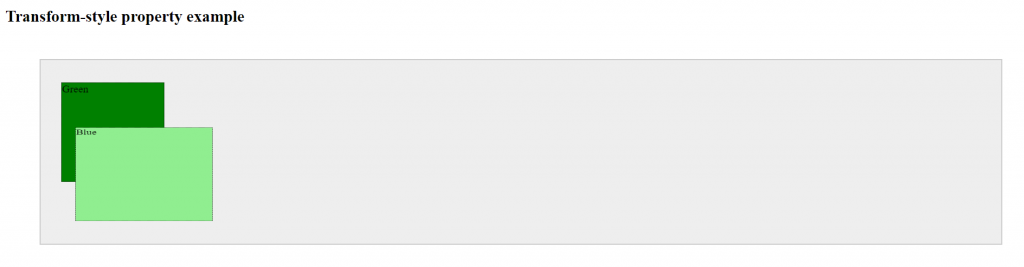
This property is used to apply a 2D or 3D transformation to an element. We can set below values: –
- translate()
- rotate()
- scale()
- skew()
- matrix()
- translate3d()
- rotate3d()
- scale3d()
- matrix3d()
- perspective()
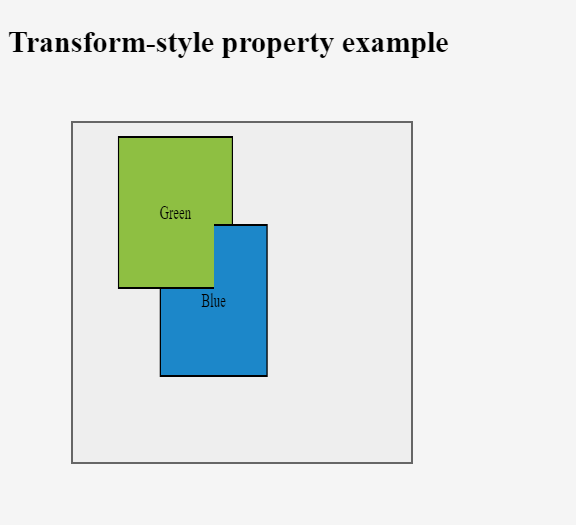
3D Transform–
- transform
- transform-origin
- transform-style
- perspective
- perspective-origin
- backface-visibility
translate3d( )–
Syntax: –
transform: translateX(px)
transform: translateY(px)
transform: translateZ(px)
transform: translate3d(Xpx, Ypx, Zpx)
Ex: –
transform: translateX(10px)
transform: translateY(5px)
transform: translate3d(10px, 5px, 20px)
rotate3d( )–
Syntax: –
transform: rotateX(deg)
transform: rotateY(deg)
transform: rotateZ(deg)
transform: rotate3d(Xdeg, Ydeg, Zdeg, Angledeg)
Ex: –
transform: rotateX(50deg)
transform: rotateY(40deg)
transform: rotateZ(20deg)
transform: rotate3d(50deg, 50deg, 50deg, 60deg)
scale3d( )–
Syntax: –
transform: scaleX(x)
transform: scaleY(y)
transform: scaleZ(z)
transform: scale3d(x, y, z)
Ex:-
transform: scaleX(3)
transform: scaleY(4)
transform: scaleZ(5)
transform: scale3d(3, 4, 5)
matrix()–
Syntax: –
transform: matrix3d(n,n,n,n,n,n,n,n,n,n,n,n,n,n,n,n)
Ex:-
transform: