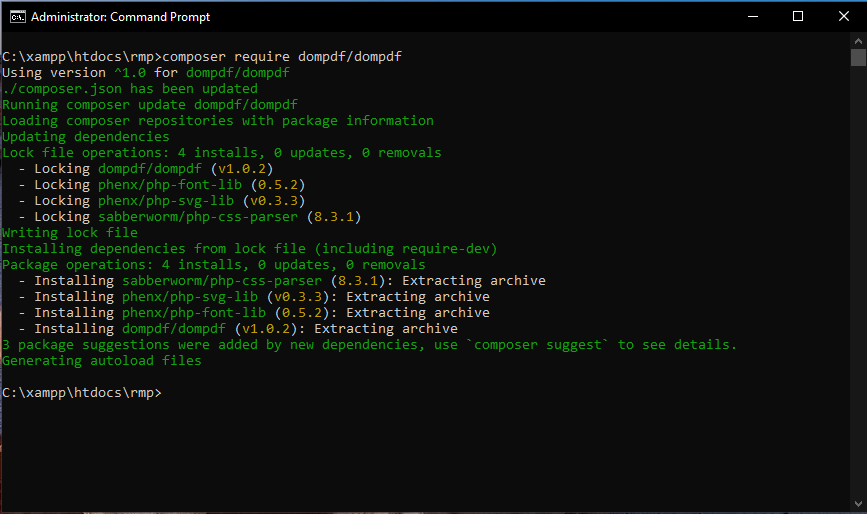
composer require VendorName/PackageName – This command installs a package and any packages that it depends on.
| syntax | example |
| composer require VendorName/PackageName | composer require fzaninotto/faler |
| composer require VendorName/PackageName:tag | composer require fzaninotto/faker:dev-master |
| composer require VendorName/PackageName:version | composer require fzaninotto/faker:1.9.0 |
–dev: Add packages to require-dev.
composer require VendorName/PackageName –dev
https://packagist.org/ This is the website, from where you will get Php packages. This is the package repository of Php. You have to open this site, whatever your requirement is, you can do that package.
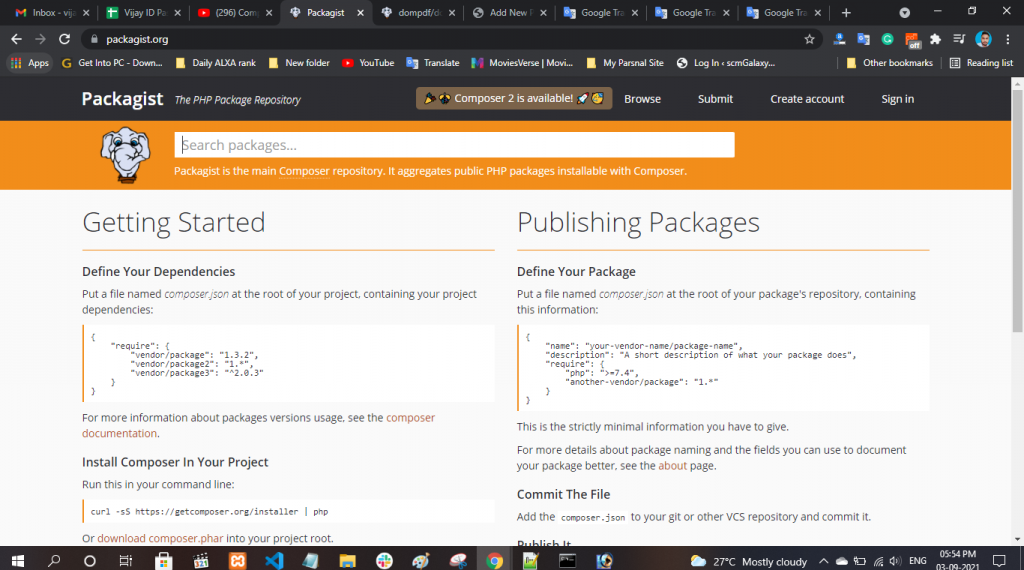
If you want a viewer with PDF, then you search by typing PDF. Here the first one wants Dompdf / Dompdf, so I clicked on it. After clicking on it, it will show you what is the version tag. And it will also show how to install it. So to install it, you have to type the command composer require dompdf/dompdf.
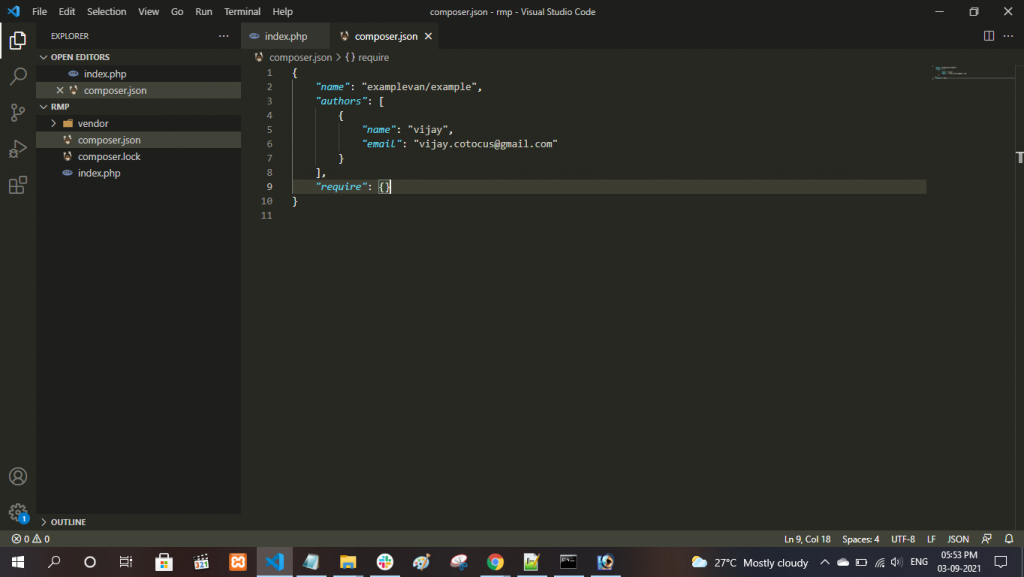
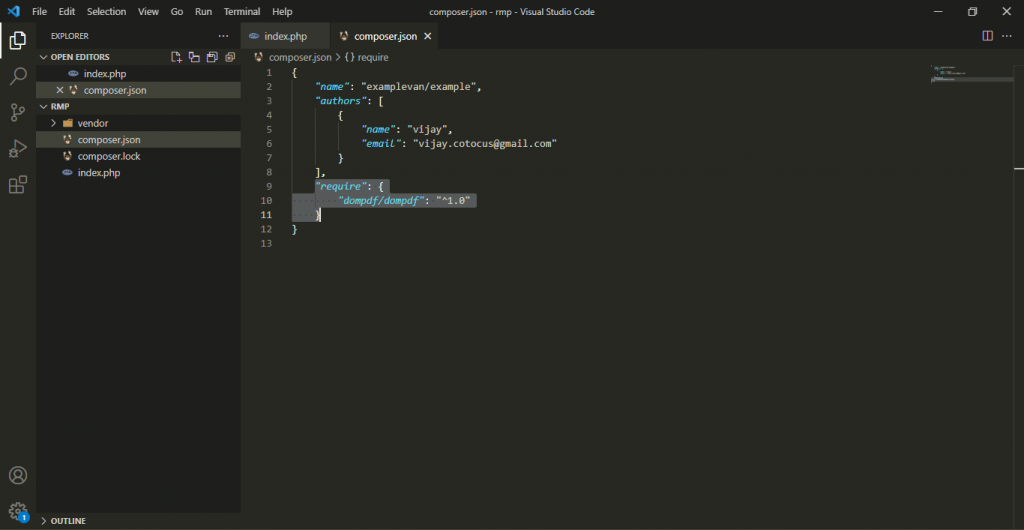
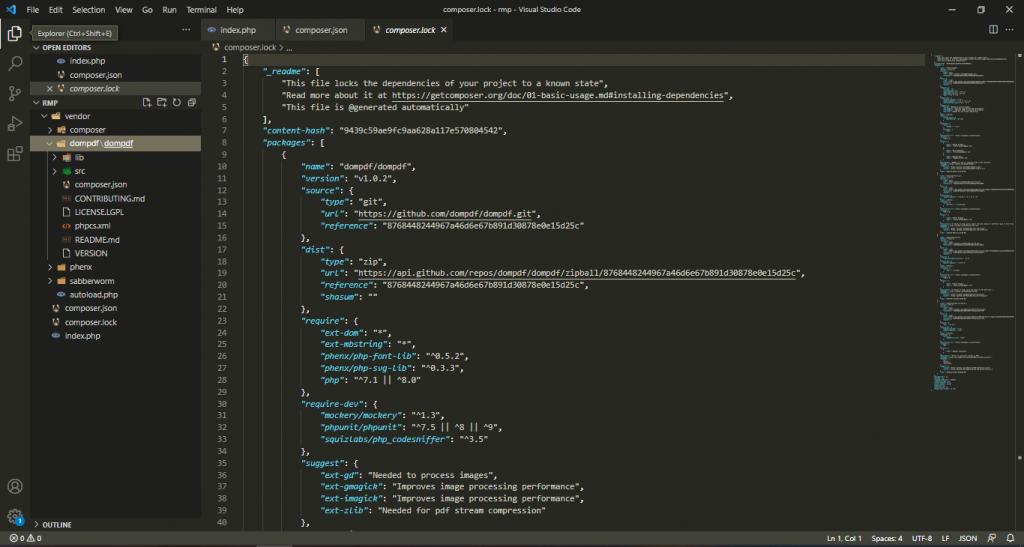
Before running this command, you should check that the composor.json file which you have is empty. That is, our project is not dependent on anyone. But now we have the requirement of this project so we will run this command.