This property is used to define how an element should display. Every HTML element has a default display value depending on what type of element it is. The default display value for most elements is block or inline.
| inline | table-row-group |
| block | table-caption |
| flex | table-column-group |
| inline-block | table-header-group |
| inline-flex | table-footer-group |
| inline-table | table-cell |
| list-item | table-column |
| run-in | table-row |
| table | none |
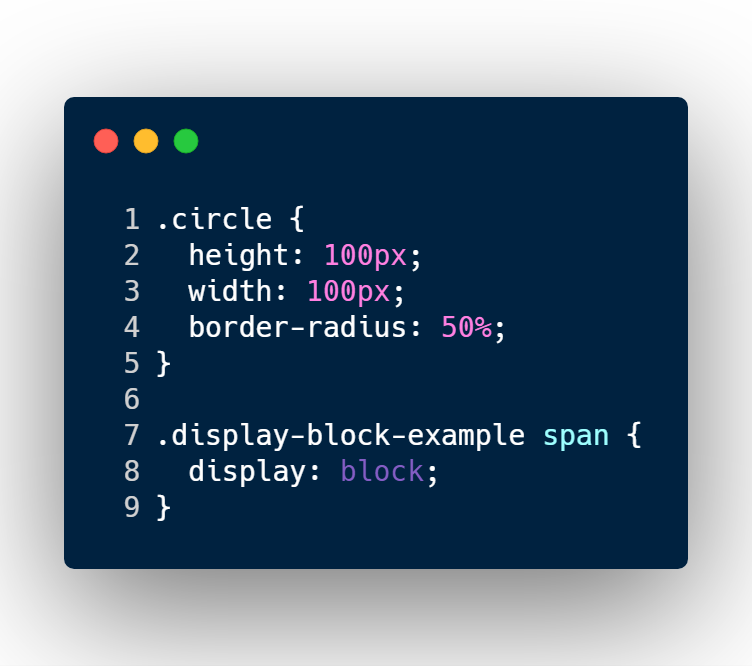
Block-level Elements–
A Block-level element always starts on a new line and takes up the full width available.
Ex: –
<div>
<h1>
<p>
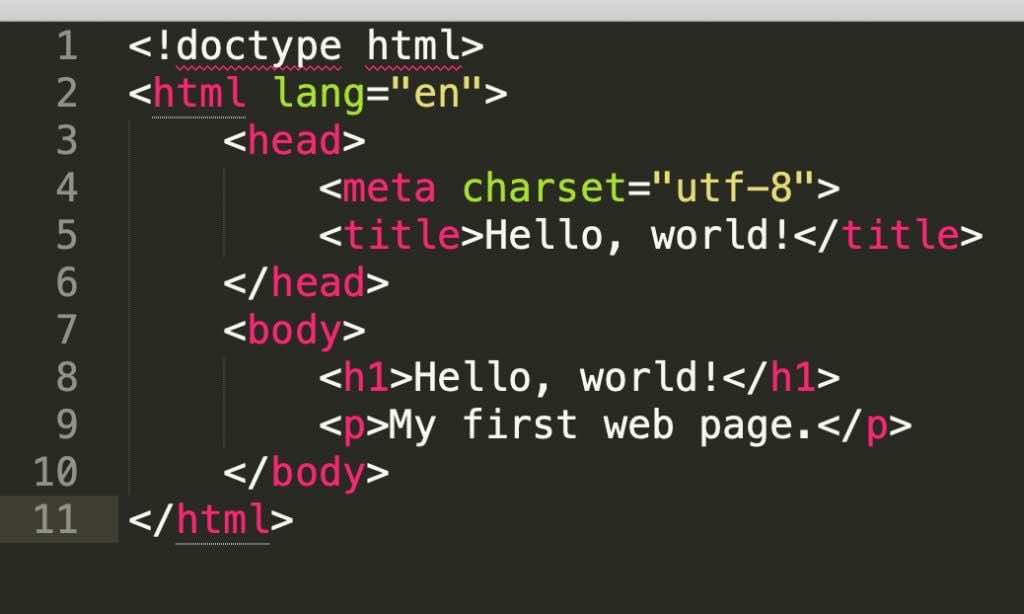
Inline Elements–
An inline element does not start on a new line and only takes up as much width as necessary.
Ex: –
<span>
<a>
<img>
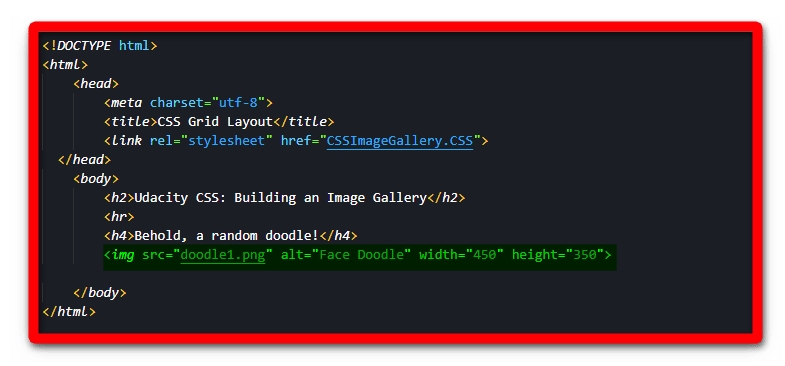
Display–
•inline – When we set this value, the element does not start on a new line and only takes up as much width as necessary (we can’t set width/height it won’t work)
•block – When we set this value, element always starts on a new line and takes up the full width available (we can set width/height)
•inline-block – It is combination of inline and block value. It doesn’t start on new line but we can set width and height.
•none – The element will not be displayed at all (has no effect on layout)
•flex – Displays an element as a block-level flex container.
•inline-flex – Displays an element as an inline-level flex container.
•inline-table – The element is displayed as an inline-level table
•run-in – Displays an element as either block or inline, depending on context
How to use Display?
- table – It works like a element
- table-caption – It works like a element
- table-header-group – It works like a element
- table-footer-group – It works like a element
- table-row-group – It works like a element
- table-cell – It works like a element
- table-row – It works like a element
- list-item – It works like a element

- AWS Error: Access denied by EC2 Instance Connect - December 4, 2023
- How to get Blackduck Trial version? - December 3, 2023
- PHP ionCube Error: cannot be decoded by this version of the ionCube Loader - December 2, 2023