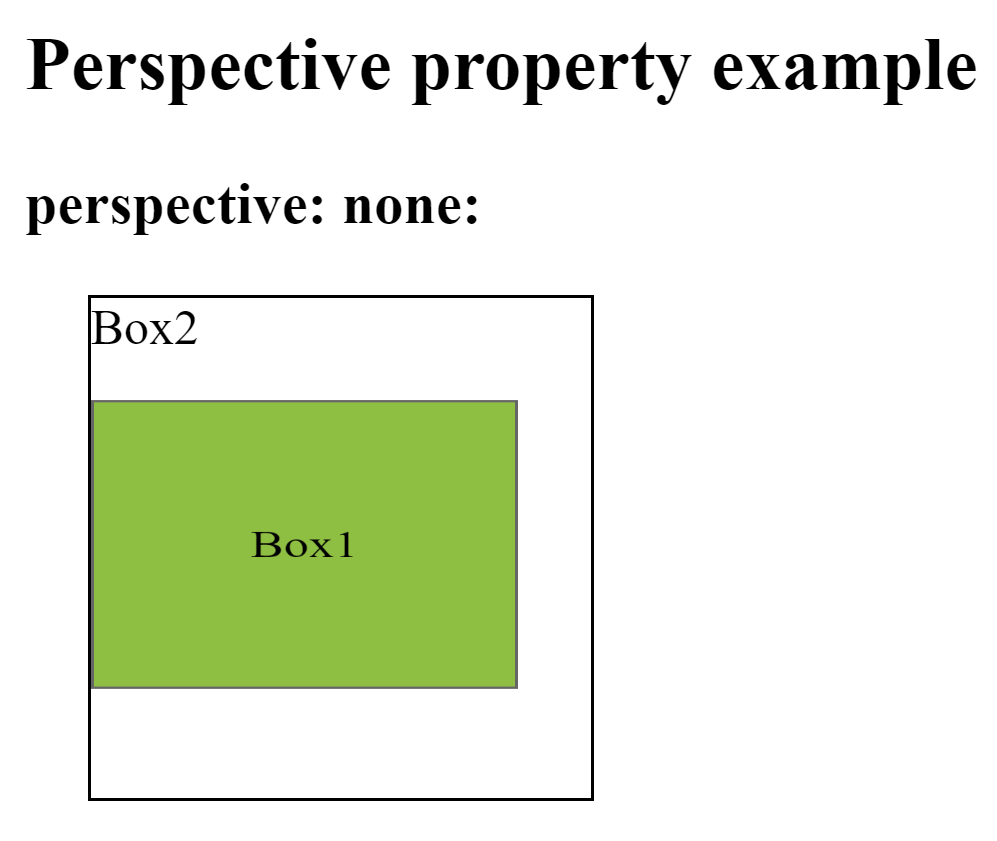
This property is used to define how many pixels a 3D element is placed from the view. This property allows you to change the perspective on how 3D elements are viewed. This will only effect on 3D transformed elements.
Whenever we define the perspective property for an element, it is the child elements that get the perspective view, not the element itself.
We can set this property to none (default) and length
Ex: –
div { perspective: 50px ; }
Perspective-origin–
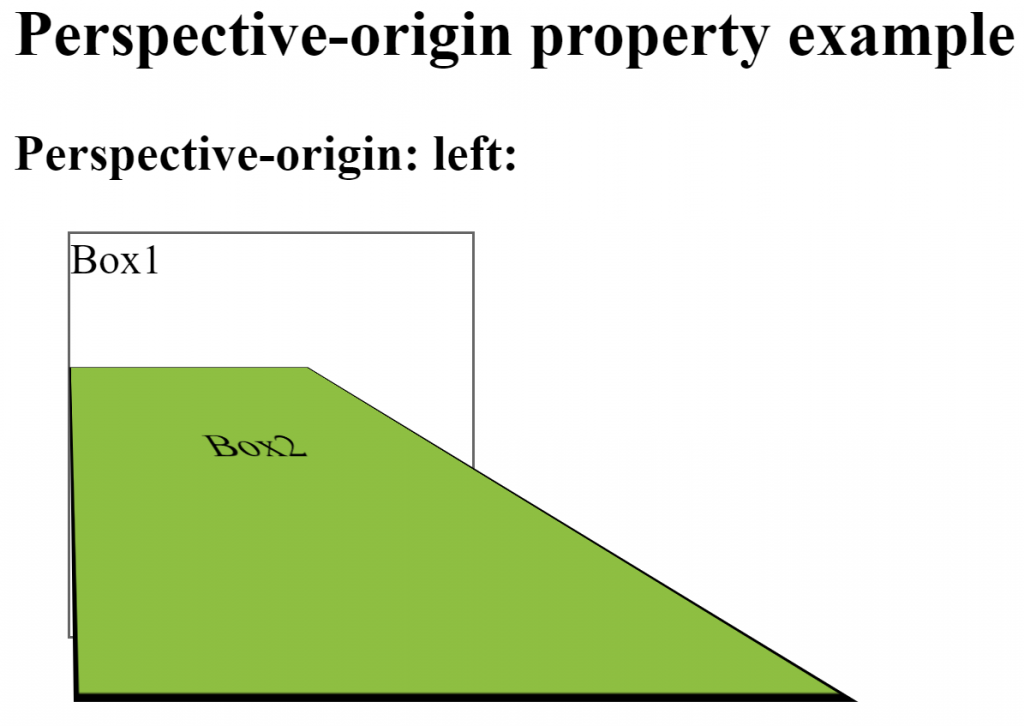
This property is used to define where a 3D element is based in the x- and the y-axis. This property allows you to change the bottom position of 3D elements. This will only effect on 3D transformed elements. We can set this property to x (default 50%) and y axis (default 50%).
Whenever we define the perspective-origin property for an element, it is the child elements that are positioned, not the element itself.
Ex: –
div { perspective-origin: 20% 20% ; }
backface-visibility–
This property is used to define whether or not an element should be visible when not facing the screen. This property is useful when an element is rotated, and you do not want to see its backside. We can set this property to visible (default) and hidden.
Ex: –
div { backface-visibility: hidden; }
