Apache/2.4.46 (Win64) OpenSSL/1.1.1g PHP/7.2.34 Server at ds-student-ms Port 80
In this tutorial I’m going to describe how to solve this error
Not Found The requested URL was not found on this server Apache/2.4.46 (Win64) OpenSSL/1.1.1g PHP/7.2.34 Server at ds-student-ms Port 80.
I got a error when i created virtual host and when i Open in browser its showing Not found the requested url.
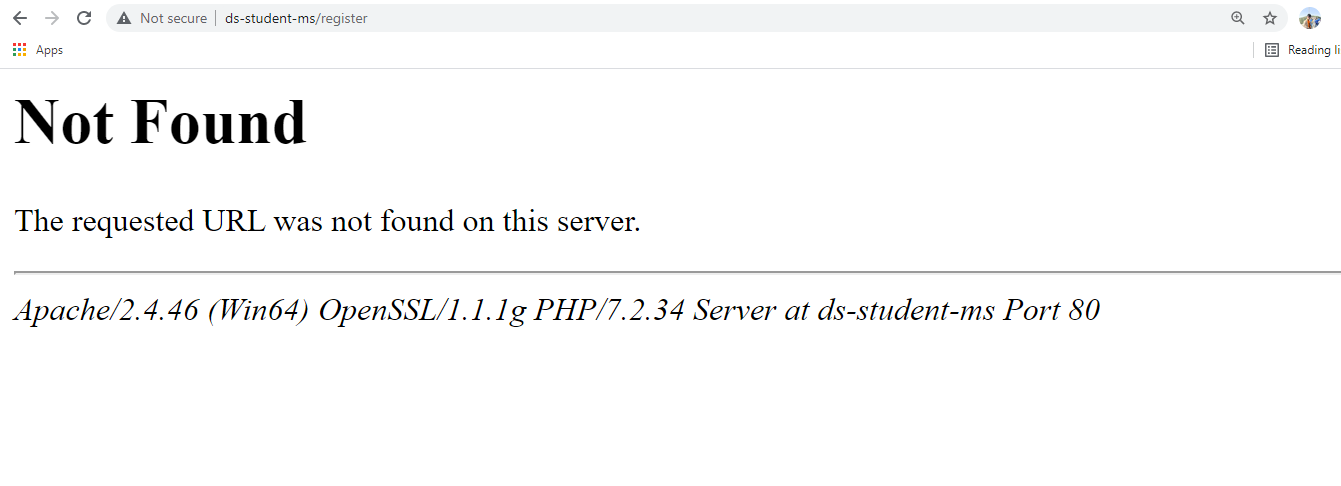
I tried lots of then i got what’s the error on my project Simply go to your project directory
C:\xampp\htdocs\ds-student-ms\public\.htaccess
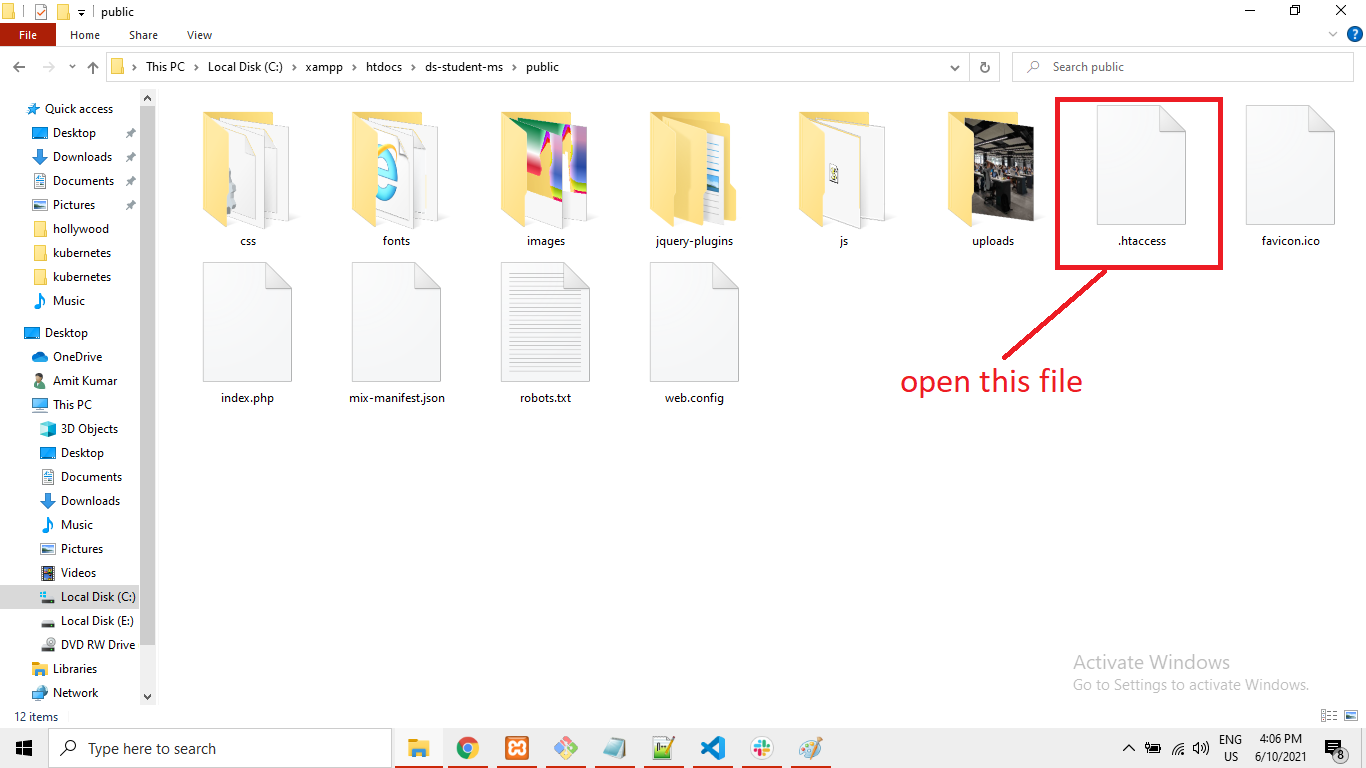
Simply open this file in editor and paste below code.
<IfModule mod_rewrite.c>
    <IfModule mod_negotiation.c>
        Options -MultiViews -Indexes
    </IfModule>

    RewriteEngine On

    # Handle Authorization Header
    RewriteCond %{HTTP:Authorization} .
    RewriteRule .* - [E=HTTP_AUTHORIZATION:%{HTTP:Authorization}]

    # Redirect Trailing Slashes If Not A Folder...
    RewriteCond %{REQUEST_FILENAME} !-d
    RewriteCond %{REQUEST_URI} (.+)/$
    RewriteRule ^ %1 [L,R=301]

    # Handle Front Controller...
    RewriteCond %{REQUEST_FILENAME} !-d
    RewriteCond %{REQUEST_FILENAME} !-f
    RewriteRule ^ index.php [L]
</IfModule>
Now refresh your browser and you can see its open correctly
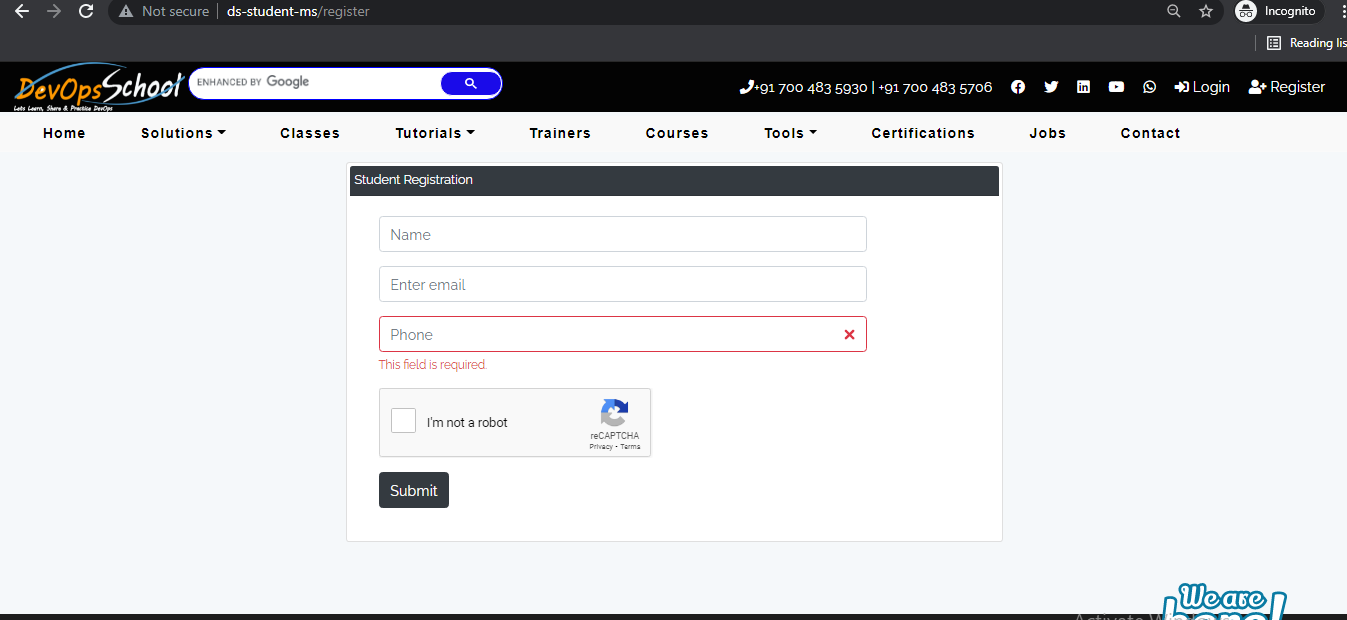
Thanks its helpful for you.

Latest posts by rajeshkumar (see all)