
In this tutorial I’m going to describe how to set up virtual host in Laravel. Please follow this Tutorial and you able to create successfully virtual host in Laravel
1. Go to C drive and Go to this Directory-> C:\xampp\apache\conf\extra and open httpd-vhosts name of folder
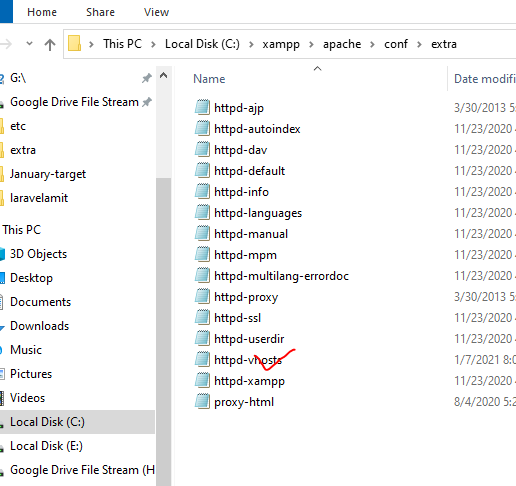
Open this folder -> httpd-vhosts
2nd Step Copy Below Code
👇
<VirtualHost *:80>
DocumentRoot “C:/xampp/htdocs/blog/public”
ServerName localhost
</VirtualHost>
<VirtualHost *:80>
DocumentRoot “C:/xampp/htdocs/blog/public”
ServerName blog.co
</VirtualHost>
☝️
and paste simply there in this folder -> httpd-vhosts

3rd Step go to windows C:\Windows\System32\drivers\etc and open hosts folder

4th step simply copy this
👇
127.0.0.1 localhost
127.0.0.1 blog.co
And paste this folder
👇

After stop your xampp apache server and start then

And start then Xampp Apache server

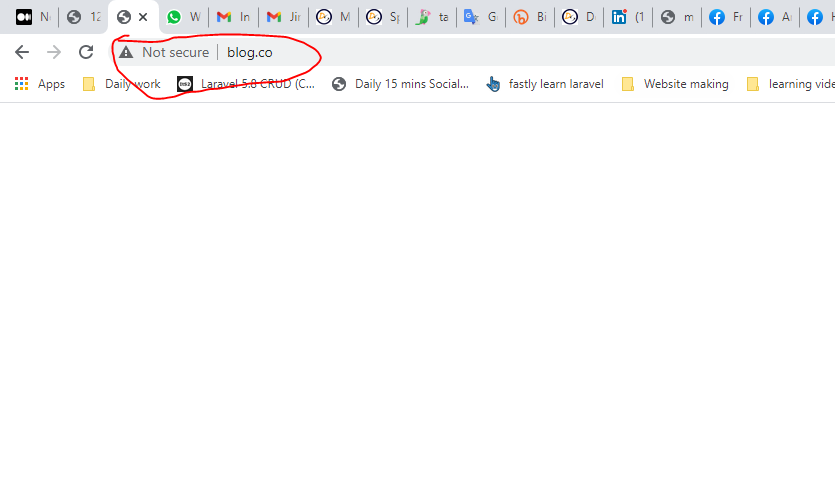
And run blog.co now you can see blog.co localhost set up is done.
Thanks …… 🙂
