The border is a Property in CSS which is used in Element with the help of css. So below border-left property –
- border-left-style
- border-left-width
- border-left-color
- border-left
border-left-style–
- none – This is default which specifies no border.
- hidden – This is very similar to none value, except in border conflict resolution for table elements
- solid – It specifies a solid border
- dotted – It specifies a dotted border
- double – It specifies a double border
- dashed – It specifies a dashed border
- groove – It specifies a 3D grooved border.
- ridge – It specifies a 3D ridged border.
- inset – It specifies a 3D inset border.
- outset – It specifies a 3D outset border.
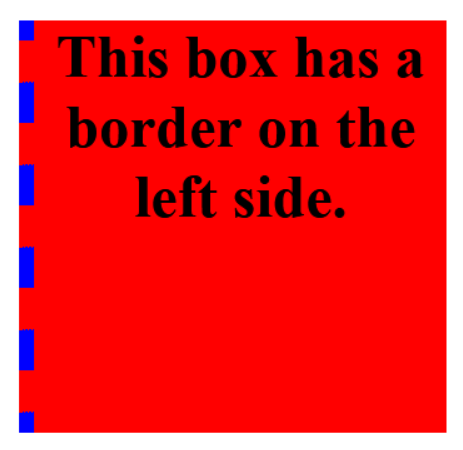
border-left-width–
- medium – This is default value which specifies a medium left border.
- thin – It specifies a thin left border
- thick – It specifies a thick left border
- length – We can define left border length in the form of % px etc.

border-left-color–
- color value
- transparent
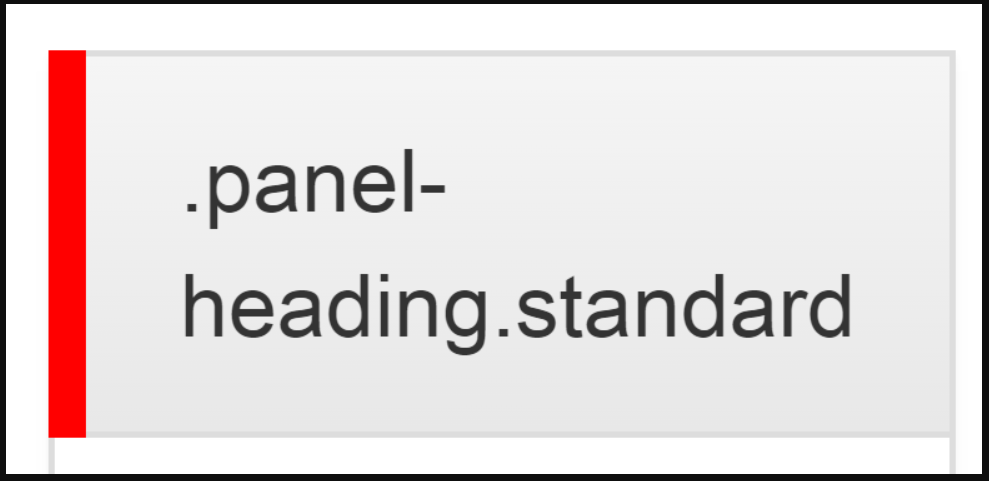
border-left–
Syntax:-
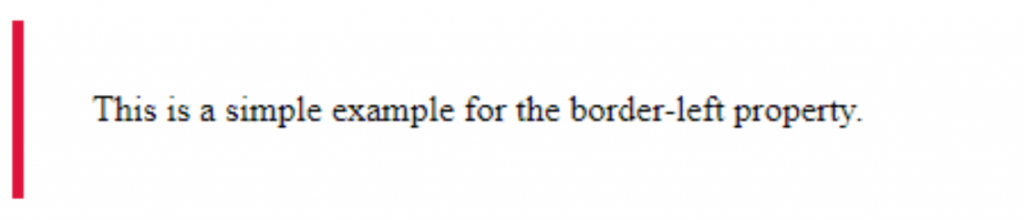
selector{ border-left: border-left-width border-left-style border-left-color;}
Ex:-
p{ border-left: 10px solid red;}

Latest posts by rajeshkumar (see all)
- AWS Error: Access denied by EC2 Instance Connect - December 4, 2023
- How to get Blackduck Trial version? - December 3, 2023
- PHP ionCube Error: cannot be decoded by this version of the ionCube Loader - December 2, 2023